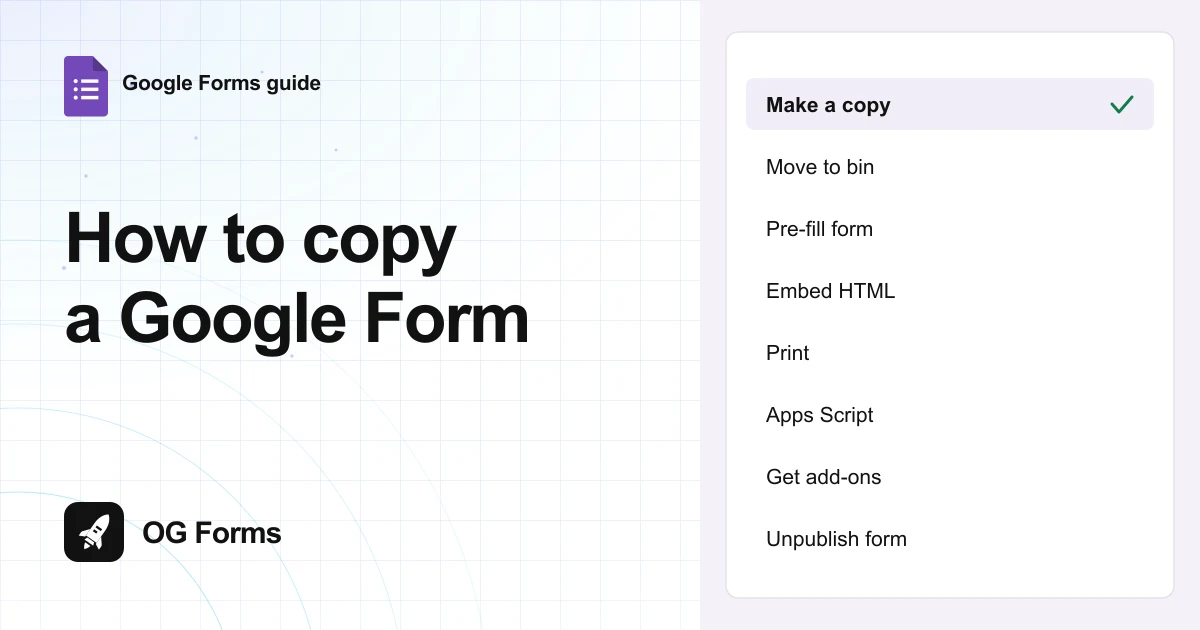
Open the form, click the three dots at the top right, and choose Make a copy. The copy keeps every question and setting, and leaves the old responses behind.
Copying a Google Form takes about ten seconds. The copy is a new form with its own link.
I copied a real form in Google Forms in November 2026 and checked what came across. Three things did not.
The responses stay with the original, the copy arrives unpublished, and a form with file uploads warns you about a missing folder.
That last one is worth knowing before you send the link.
Step 1: Choose Make a copy
The copy command lives in the menu next to your account picture, not in the File menu, because there is no File menu.
- Open the form you want to copy.
- Click the three dots at the top right of the editor.
- Choose Make a copy.
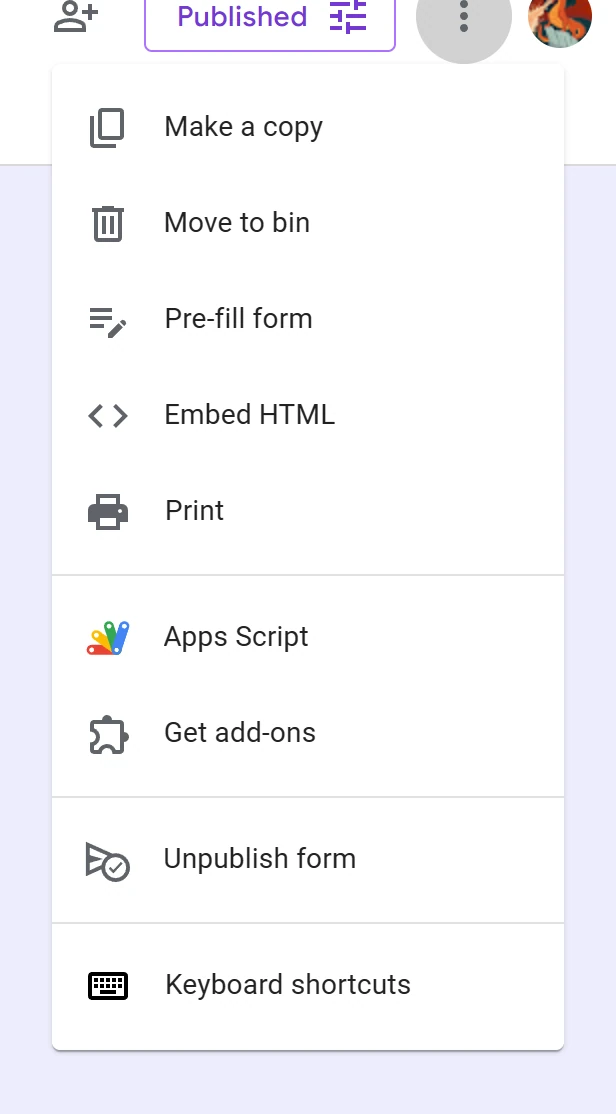
The same menu holds Move to bin, Pre-fill form, Embed HTML, Print, Apps Script, Get add-ons and Unpublish form.
Step 2: Name it and pick a folder
A dialog called Copy document appears. Everything in it has a sensible default, so you can click straight through.
- Check the Name. Google fills in Copy of followed by the original title.
- Change the Folder if My Drive is not where you want it.
- Tick Share it with the same people if the original was shared.
- Click Make a copy.
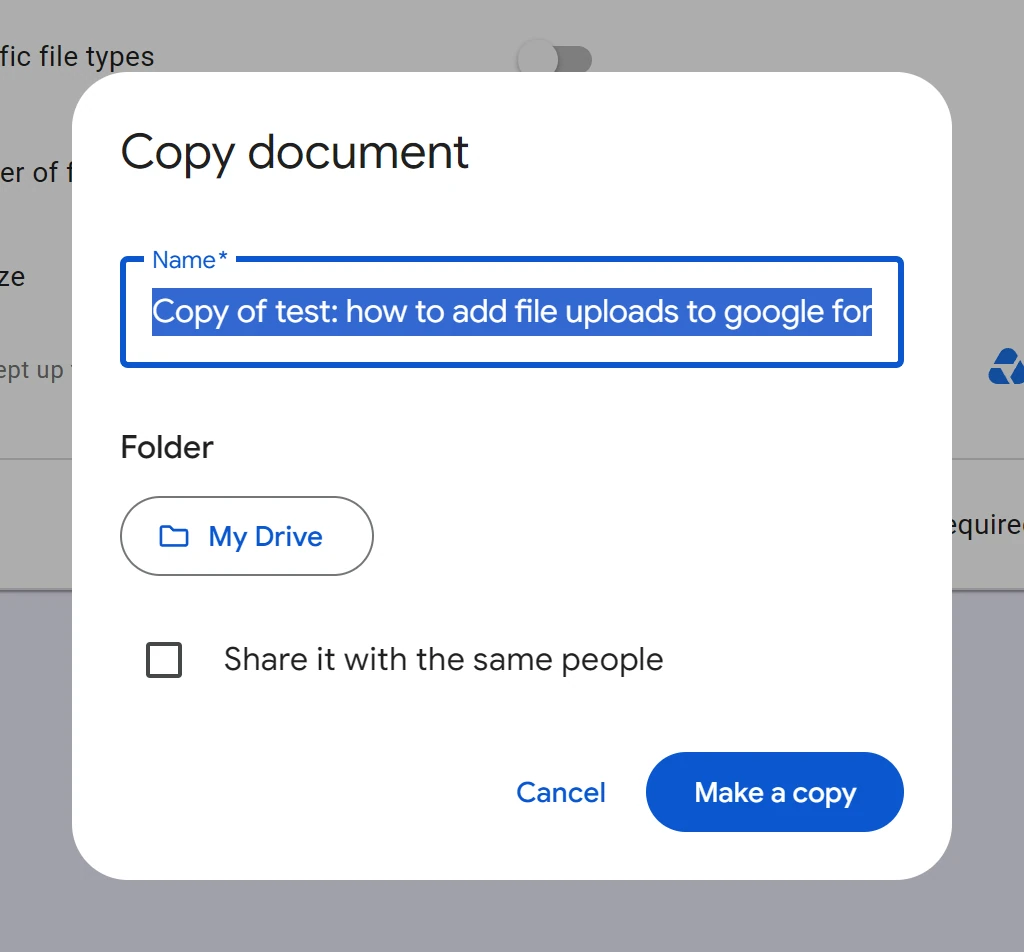
You might want to rename it before you click, not after. The copy opens in a new tab with the Copy of prefix in the title, and that prefix follows the form into Drive.
Step 3: Check what came with it
The copy opens straight into the editor. Questions, question types and settings all arrive intact.
- Read the title bar. It says Publish, not Published, so the copy is not live yet.
- Open the Responses tab. It is empty, whatever the original collected.
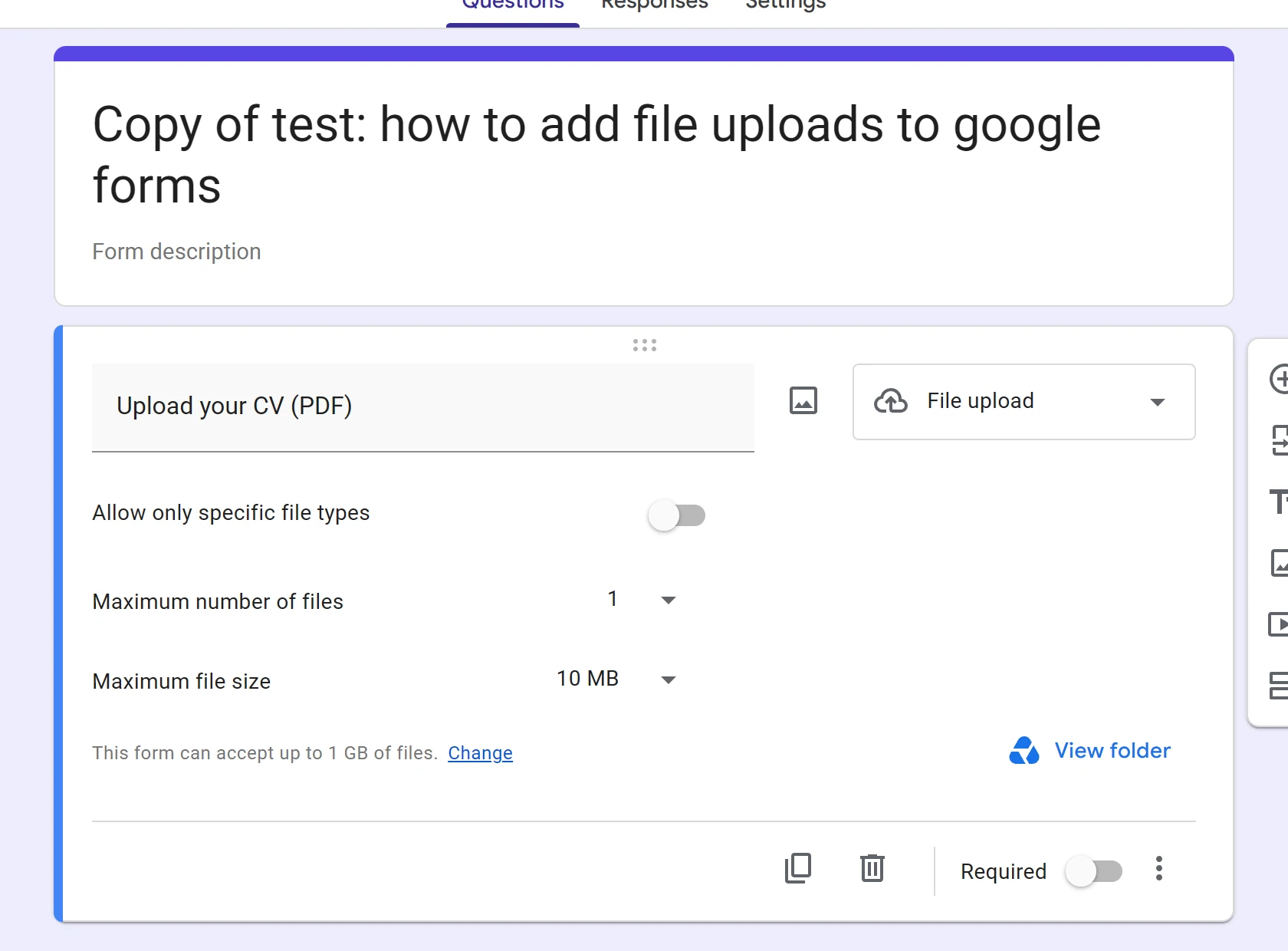
- Check any file upload question. Its type, file count and size limits carried over.
Publishing the copy gives it a link of its own. The original keeps its link, its responses and its published state.
Why is my copy not behaving?
Four things surprise people, and only one of them is a real problem.
| What you see | Why | Fix |
|---|---|---|
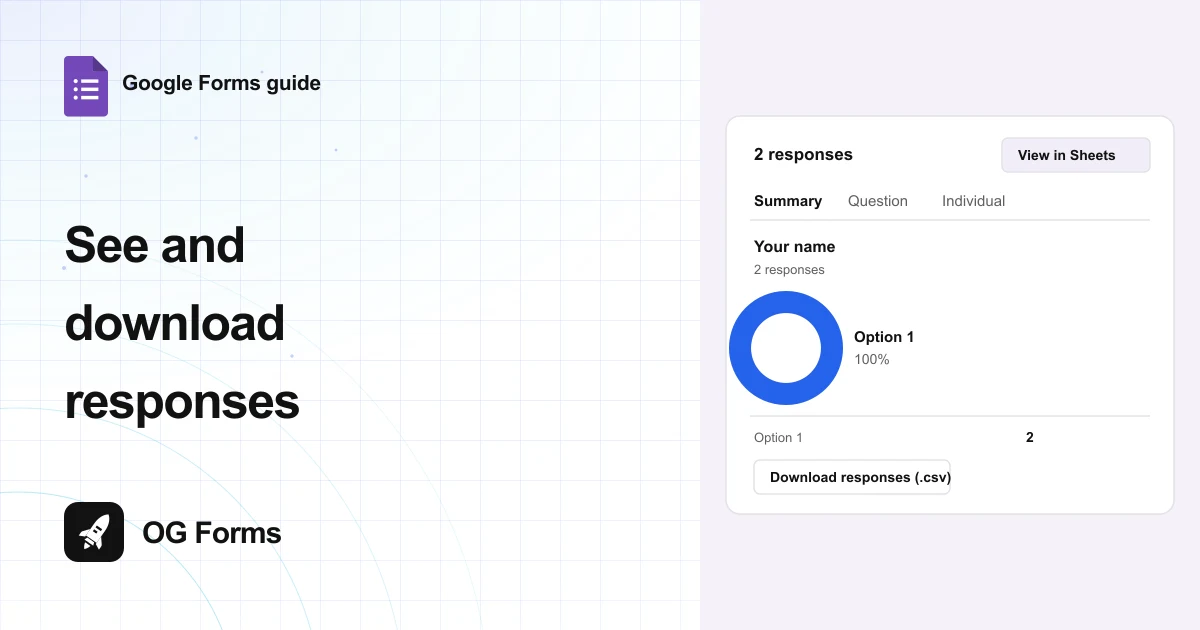
| The Responses tab is empty | A copy never carries responses | Export the original if you need the answers |
| The old link still opens the old form | The copy has its own link | Send the new link, or keep using the original |
| Nobody can answer the copy | The copy is unpublished | Click Publish in the copy |
| A red bar reads Missing File Upload folders | The upload folder did not follow the copy | Click Restore in that bar |
That red bar is worth quoting in full, because it stops the form: “The folder containing responses to File Upload questions can’t be found. This form won’t resume collecting responses until the folder has been restored.”
Click Restore and Google rebuilds it. The bar disappears and a message reads Folders restored successfully.
What copying cannot do
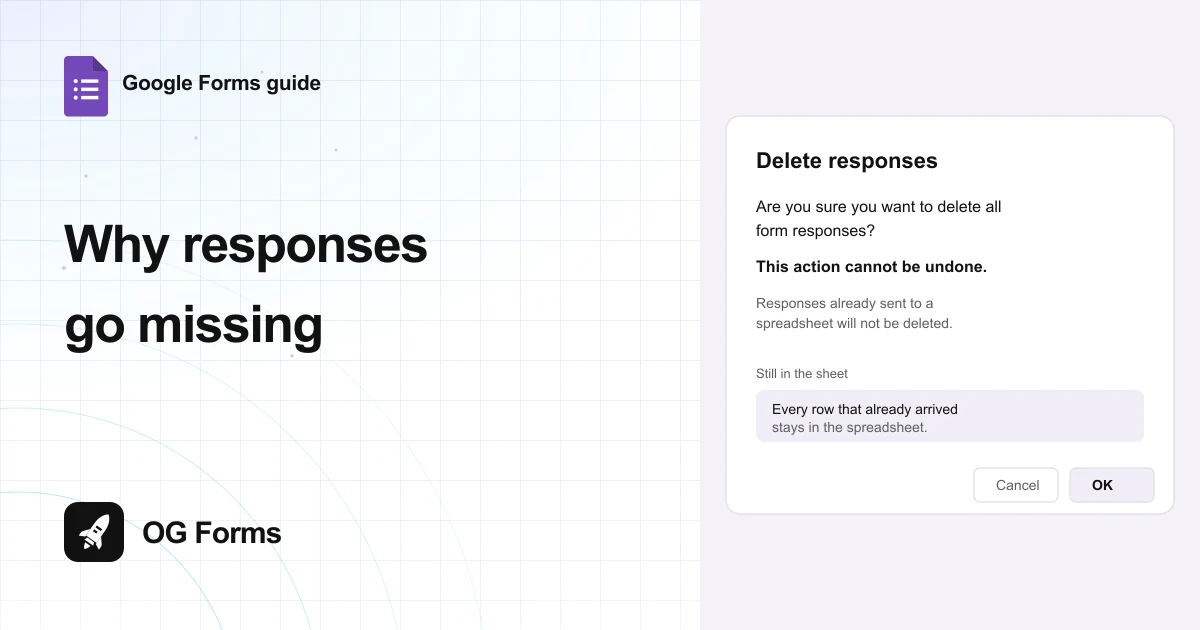
- No responses. The copy starts empty, and there is no setting to bring answers with it.
- No shared link. The copy is a new form with a new address, so anything you already sent still points at the original.
- No automatic republish. A copy of a live form arrives unpublished, and you publish it yourself.
We build OG Forms, so weigh this part with that in mind.
Duplicating a form there keeps the same split between a copy and its answers. The features page covers the rest.
If you need a second version of the same form, copying is the fastest way to get one, and it is free.
FAQ
Does making a copy include the responses?
No. The copy starts with an empty Responses tab, and the original keeps everything it collected.
Export the answers first if you need them alongside the copy.
Does the copy get the same link?
No. A copy is a new form, so it gets a new link and its own published state.
The original keeps its link and stays live if it already was.
Is the copy published straight away?
No. It opens with Publish in the header, which means it is not live until you click it.
Copy a live form and you get a draft.
What’s next
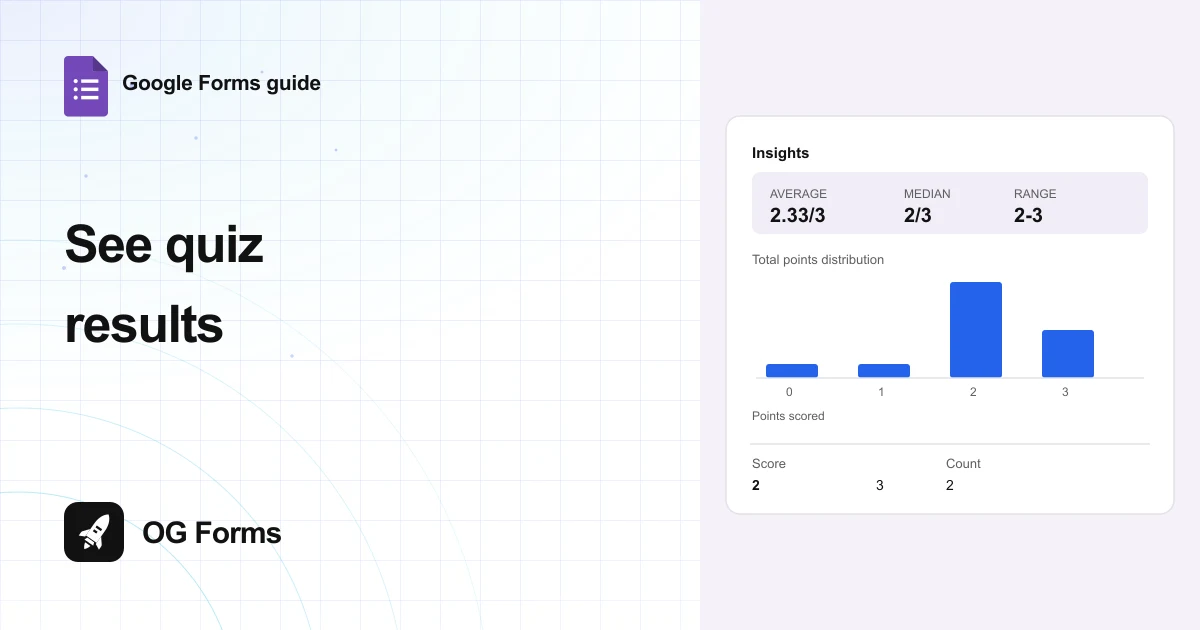
If the copy is a quiz, how to make a quiz in Google Forms covers the answer key and the score page.
If you are collecting documents, how to add file uploads covers the folder and the storage limit.