Google Forms has no custom domain setting, so a form link always starts with docs.google.com. Google gives you a shortened forms.gle link instead, and a page you own with the form embedded is the only way your own address appears in the browser bar.
Google Forms has no field for a domain. Not in Settings, not in the three dot menu, and not on a Workspace plan.
What Google does give you is a shorter link on forms.gle. What actually puts your address in front of the form is a page on your own site with the form inside it.
I read every menu in a published form in November 2026 and checked Google's own Workspace documentation on custom service URLs. The two answers below are what those pages actually say.
If you need the form itself to sit on your own domain rather than in a frame, a Google Forms alternative is the honest route, because this is a gap in the product rather than a setting you have missed.
Step 1: Check the three places the setting would live
Rule the setting out first, so you know what you are working with.
- Open Settings. It holds four sections: Make this a quiz, Responses, Presentation, Defaults.
- Open the three dot menu at the top right. It holds Make a copy, Move to bin, Pre-fill form, Embed HTML, Print, Apps Script, Get add-ons, Unpublish form and Keyboard shortcuts.
- Click Published. The dialog holds the accepting responses switch, the close rule, Responders and Copy responder link.
- Search all three for the words domain, address or URL. There is nothing to find.
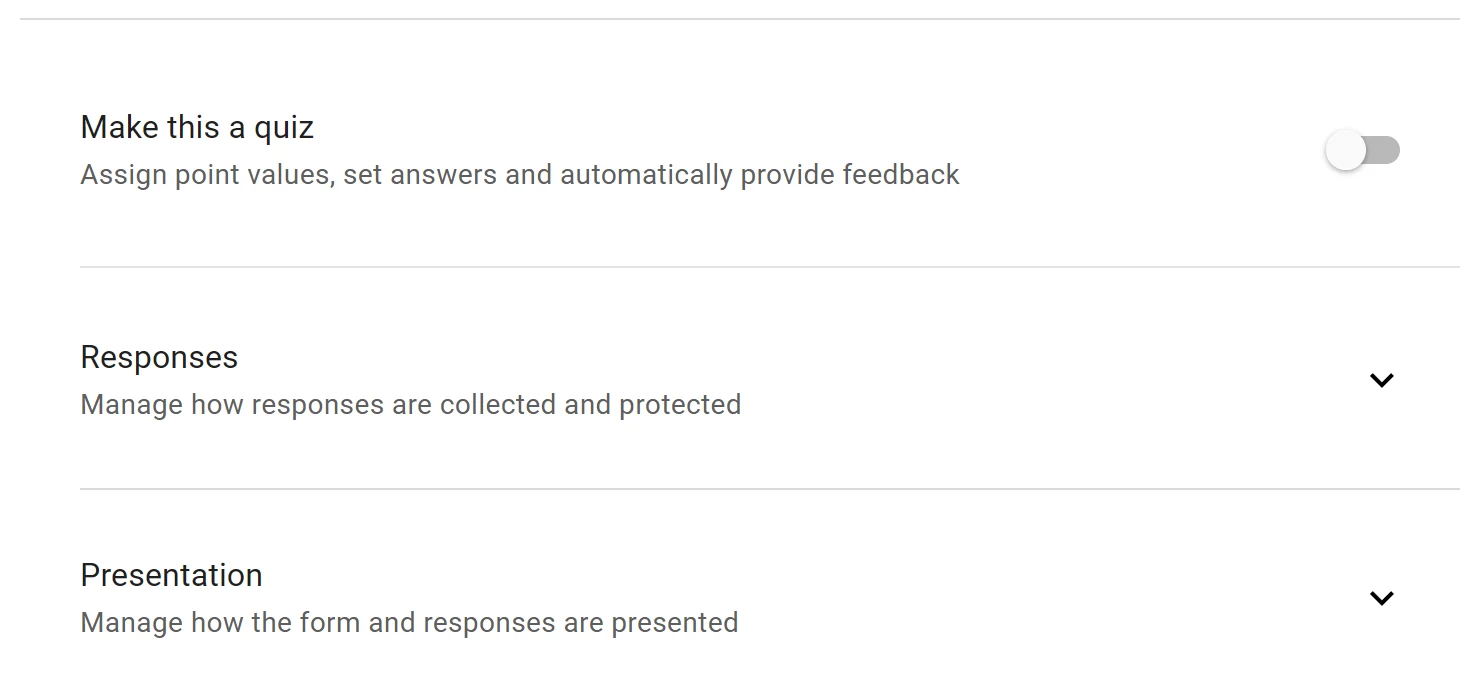
Every form you build, on a free account or a Workspace account, is served from docs.google.com. The host is not something the form owner can change.
Step 2: Shorten the Google link you already have
This is the only address control Google offers, and it is one checkbox.
- Click Published at the top right of the editor.
- Click Copy responder link.
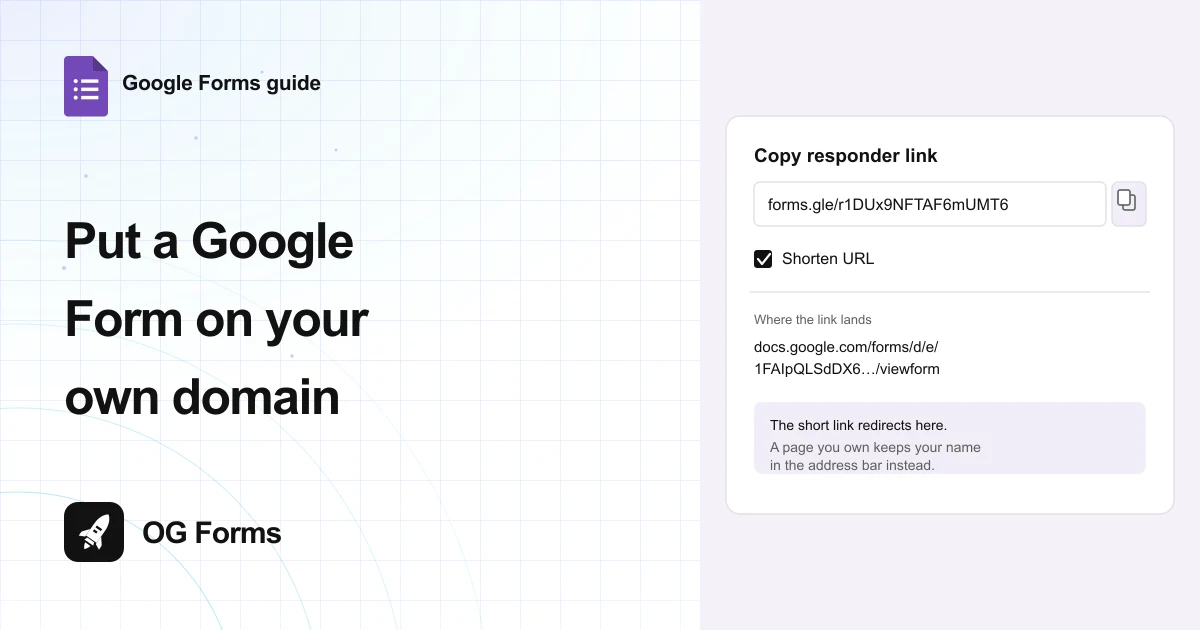
- Read the full address in the panel, which is long: docs.google.com/forms/d/e/ followed by a long ID.
- Tick Shorten URL. The field changes to a forms.gle link.
- Click Copy, then paste it wherever you were going to put the form.
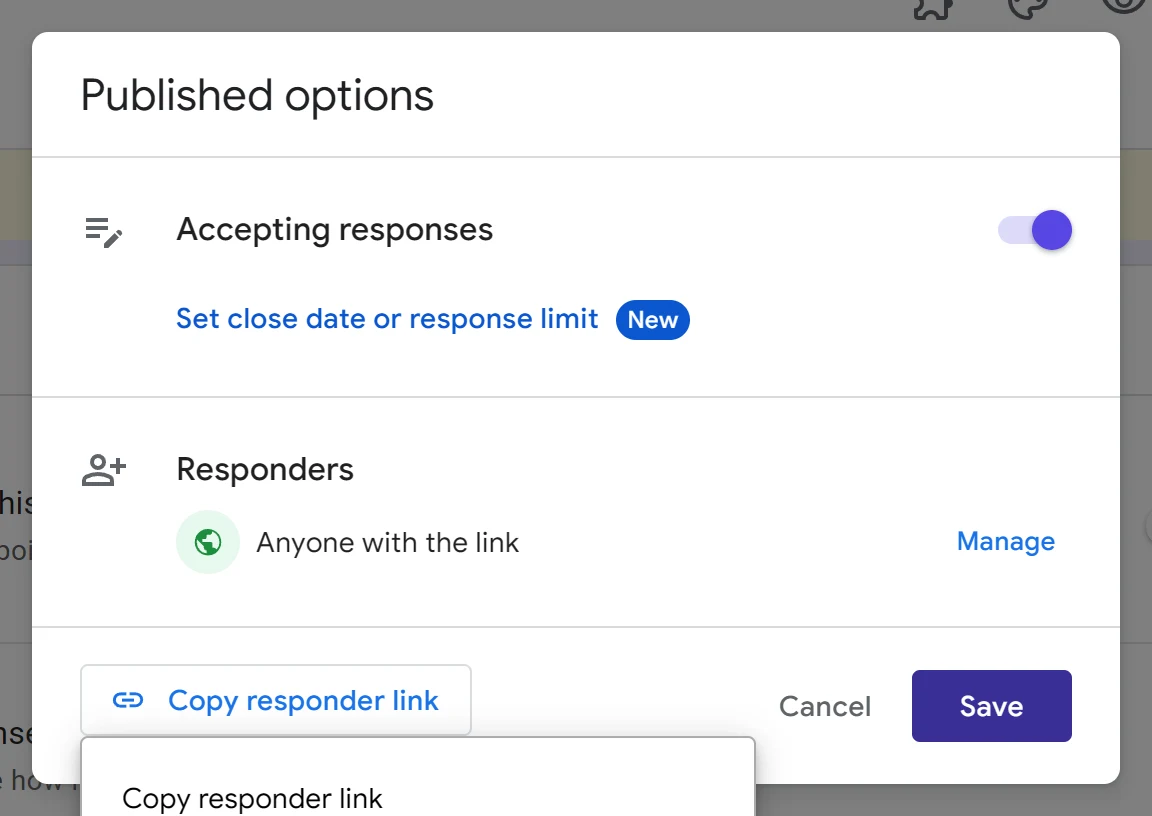
The shortened link is a redirect, not a new home. Open it and the address bar switches to the long docs.google.com address before the form appears.
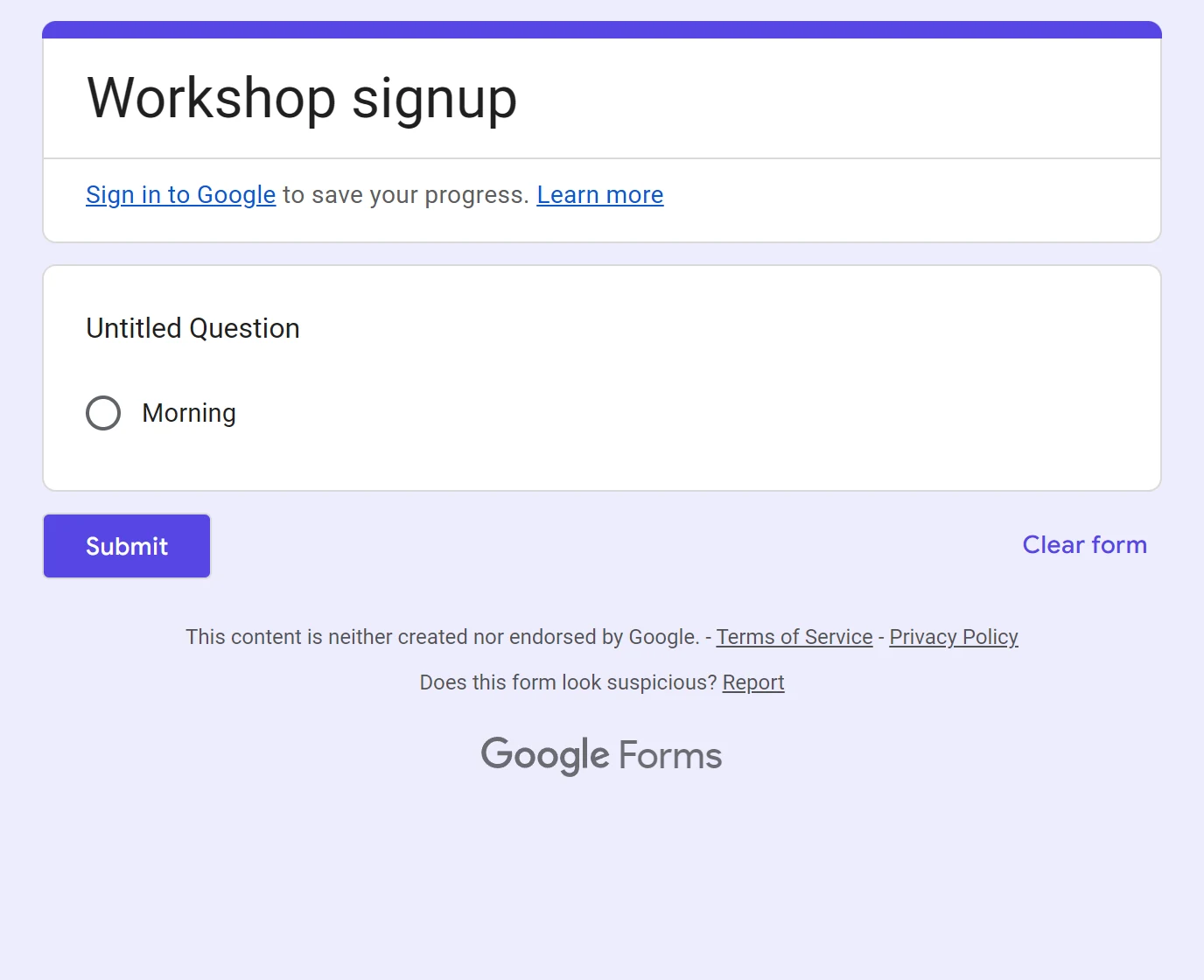
You might want the short link for a printed flyer or a QR code, where the long ID is unreadable. It is shorter and it hides the form ID, and it still says Google.
Step 3: Put the form on a page you own
This is the route that actually puts your domain in front of respondents.
- Create a page on your site, for example yoursite.com/workshop-signup.
- In the form editor, open the three dot menu and choose Embed HTML.
- Click Copy. Google writes a finished iframe for your form.
- Paste it into the page and publish the page.
- Share the page address from now on, not the Google one.
Respondents now arrive at your domain, and the form fills the page inside a frame. What sits behind the frame is still Google, so the footer and the submit behaviour are Google's.
Set the frame height yourself if the form is long. Google writes a fixed height in pixels, so a phone gets its own scrollbar inside a page that also scrolls.
How to embed a Google Form on a website covers the width and height fields in detail.
Step 4: Point a subdomain at that page
A subdomain such as forms.yoursite.com keeps the address short without losing your name.
- Open your domain's DNS records at your host, not at Google.
- Add a subdomain record, for example forms.
- Point it at the page from Step 3, using a CNAME to your host or the redirect your host provides.
- Wait for the record to propagate, then open the subdomain and read the address bar.
Point it at your page, never at the Google form. A redirect straight to Google lands on docs.google.com and the address bar says so as soon as the page loads.
Google says the same about its own custom addresses. Its Workspace documentation on custom service URLs states that when you or your users open a custom URL, the browser displays the original Workspace service URL.
Which address should you use?
Three routes, and what each one costs you.
| Route | Address people see | What it needs |
|---|---|---|
| Shortened Google link | forms.gle/ then a short code | Nothing. One checkbox |
| Page on your site with the form embedded | yoursite.com/workshop-signup | A website you can edit |
| Subdomain pointed at that page | forms.yoursite.com | DNS access, plus the page above |
| Redirect straight to the form | docs.google.com, after the redirect | DNS access, and it buys you nothing |
Pick the shortest route you can maintain. A subdomain you forget to renew is worse than a forms.gle link that always works.
Why does my form still show docs.google.com?
Four causes, in the order worth checking.
| What you see | Why | Fix |
|---|---|---|
| Your domain, then docs.google.com | The subdomain redirects to the form instead of serving a page | Point it at a page that holds the form |
| No domain option anywhere in the editor | There is none, and Workspace does not add one | Use the short link or a page you own |
| The embedded form is cut off on a phone | Google writes a fixed iframe height in pixels | Change the height in the snippet |
| The shared link shows a closed message | The form stopped accepting responses | Reopen it in Published options |
What Google Forms cannot do about your address
We build OG Forms, so weigh this part with that in mind.
- No custom domain at any tier. The short link is the whole of it, and Google's own Workspace custom URL documentation lists mail, calendar, drive and groups, not forms.
- No branded form page. A theme changes the header and the colours. The footer and the address stay Google's.
- No per-form address. Every form you own shares the docs.google.com host, so a link tells a recipient it is a Google Form before they open it.
- The short link is not editable. forms.gle codes are generated by Google, so you cannot choose the words in yours.
OG Forms offers a custom domain on its paid plan. Compare what OG Forms does with responses, or start from a form template built for the job.
For a one-off workshop list, the shortened Google link is free and takes one click. Start a form in OG Forms when the address has to carry your brand.
FAQ
Can I use my own domain for a Google Form?
No. Google Forms has no custom domain setting, so the form is always served from docs.google.com. You can embed the form on a page you own and share that address instead.
Does Google Workspace give me a custom form domain?
No. Workspace custom URLs cover services such as mail, calendar, drive and groups, and Google states the browser shows the original service URL even when one is set.
How do I shorten a Google Form link?
Click Published, click Copy responder link, then tick Shorten URL. The field changes to a forms.gle link, and Copy puts it on your clipboard.
Will respondents see my domain or Google's?
Google's, unless you send them to a page on your own site with the form embedded. The shortened forms.gle link redirects, so the address bar ends up on docs.google.com.
Can I change the docs.google.com part of the link?
No. The host belongs to Google and is the same for every form. What you control is the link you share and the page you put in front of it.
What's next
If you are going the embed route, how to embed a Google Form on a website shows the snippet and how to fix the frame size for a phone.
If you are still deciding who can reach the form, how to share a Google Form covers the responder settings and the sign-in Google adds.