

The OG Forms blog
Practical guides to building better forms, quizzes, and surveys, so you can collect responses and make better decisions.
Showing 9 of 23 articles
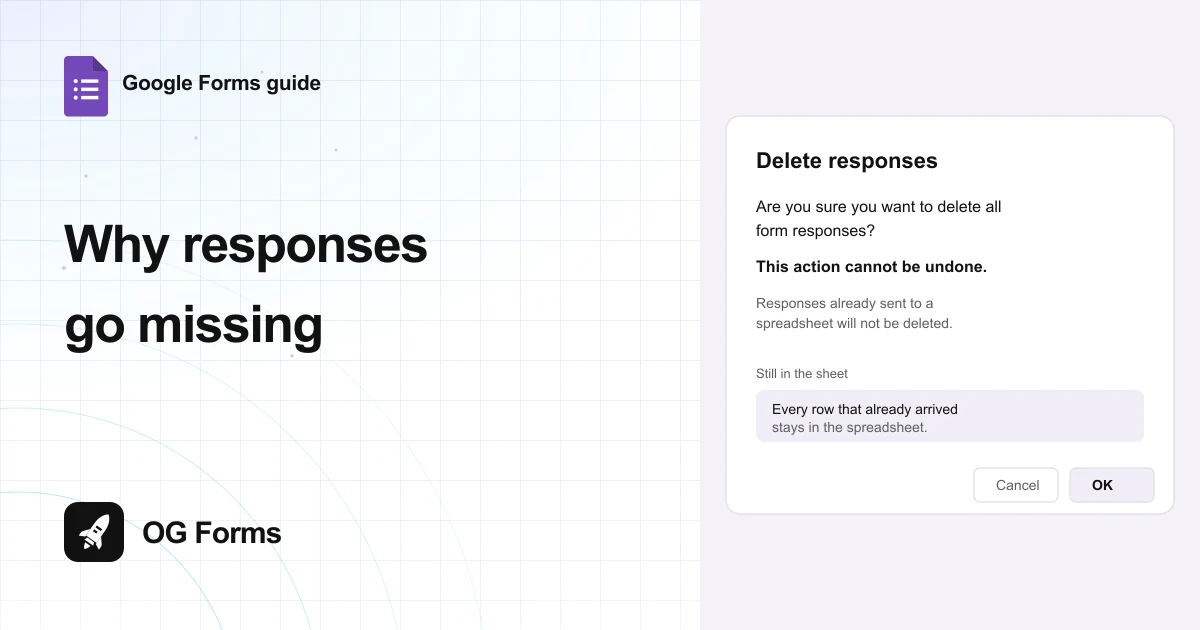
Why Google Forms responses go missing
Learn why Google Forms responses go missing: the copy trap, the deletion that cannot be undone, and the sheet that keeps them. Tested in 2026.
· 6 min read
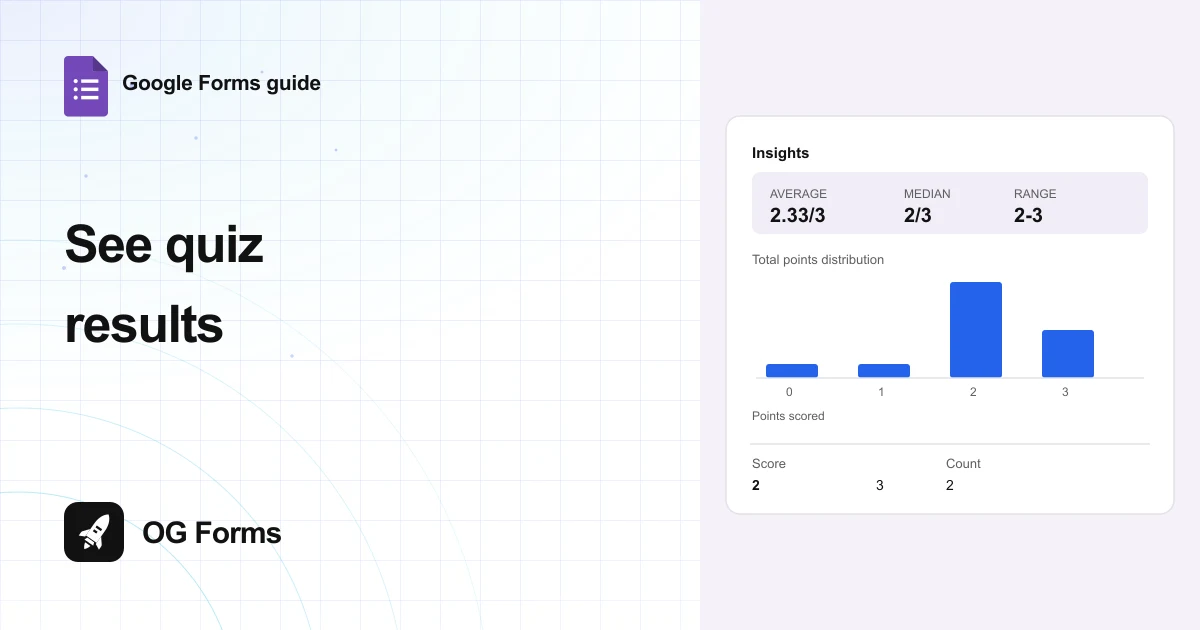
How to see quiz results in Google Forms
Learn how to see quiz results in Google Forms: the score summary, how each answer is marked, and the scores CSV. Tested in 2026.
· 6 min read
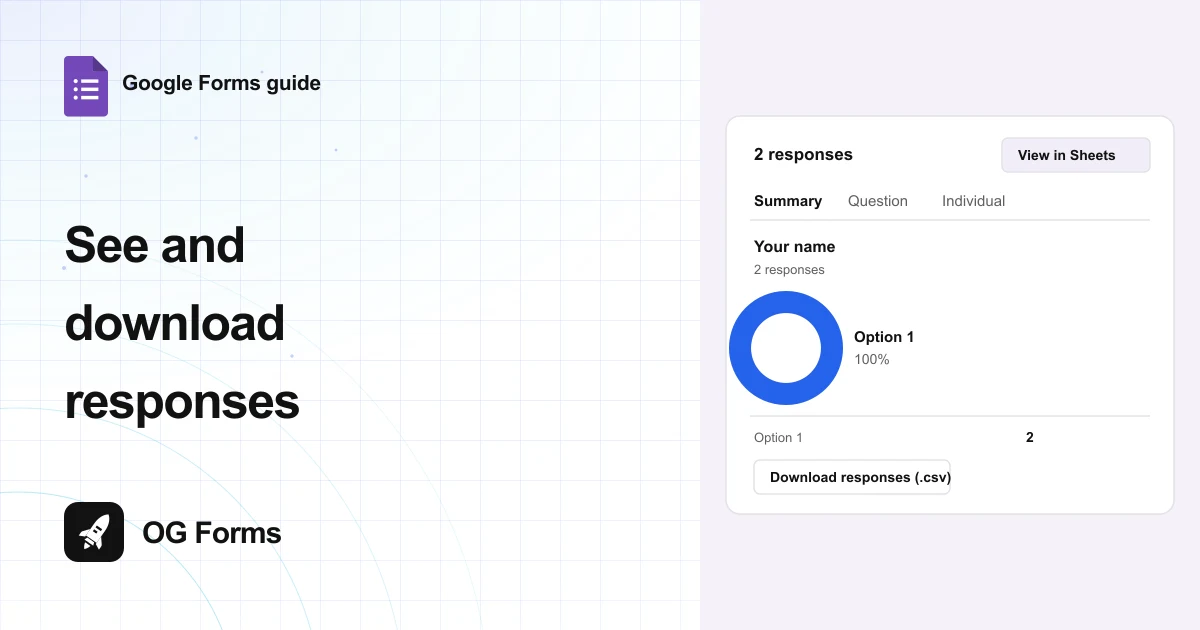
How to see and download Google Forms responses
Learn how to see and download Google Forms responses: the three views, the CSV hidden inside the zip, and the timestamp to fix. Tested in 2026.
· 6 min read
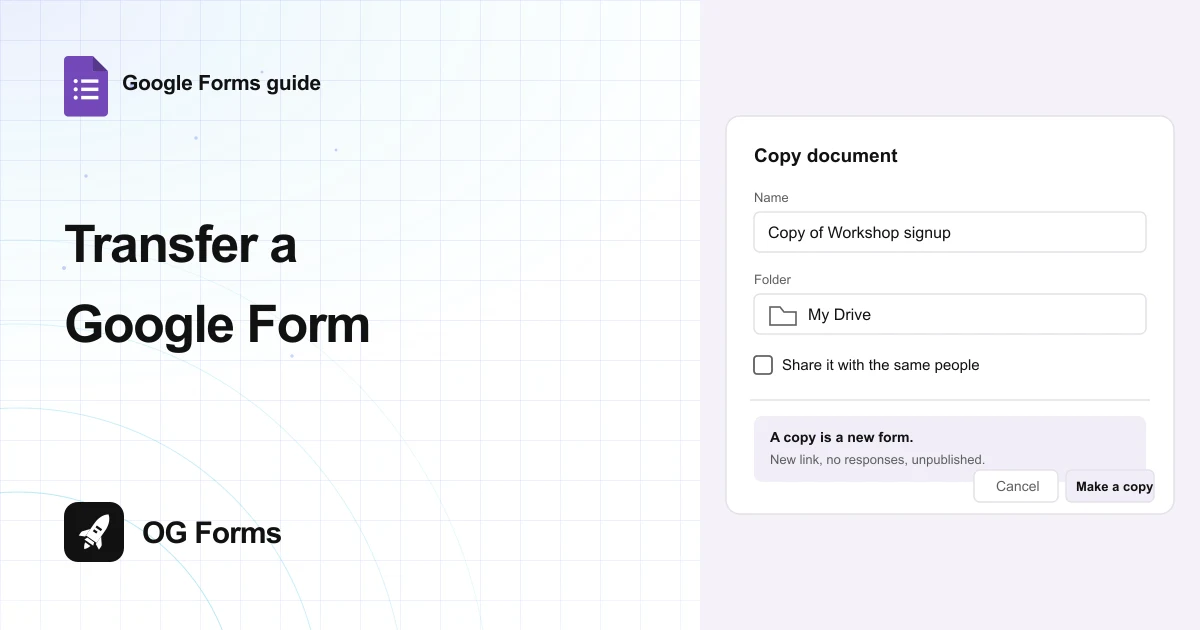
How to transfer ownership of a Google Form
Learn how to transfer ownership of a Google Form from the Share dialog, and why the linked spreadsheet stays behind. Tested in 2026.
· 6 min read
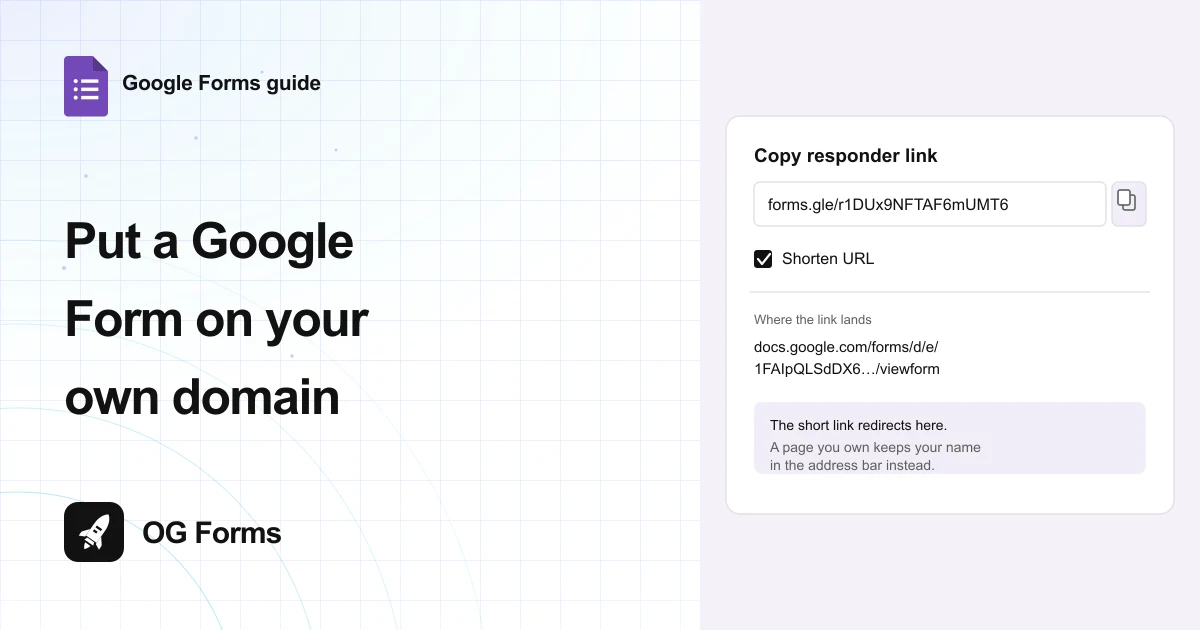
How to put a Google Form on your own domain
Learn how to put a Google Form on your own domain, why Google offers only a shortened link, and which route keeps your address. Tested in 2026.
· 6 min read
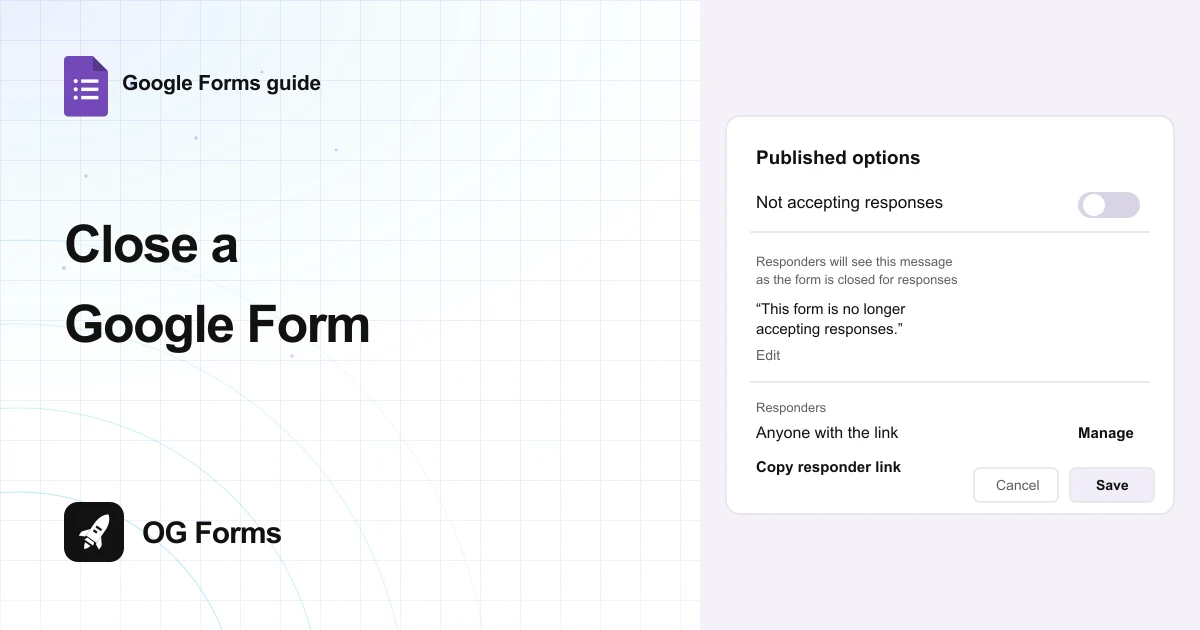
How to close a Google Form
Learn how to close a Google Form now, on a date, or after a set number of responses, and write the message people see. Tested in 2026.
· 6 min read
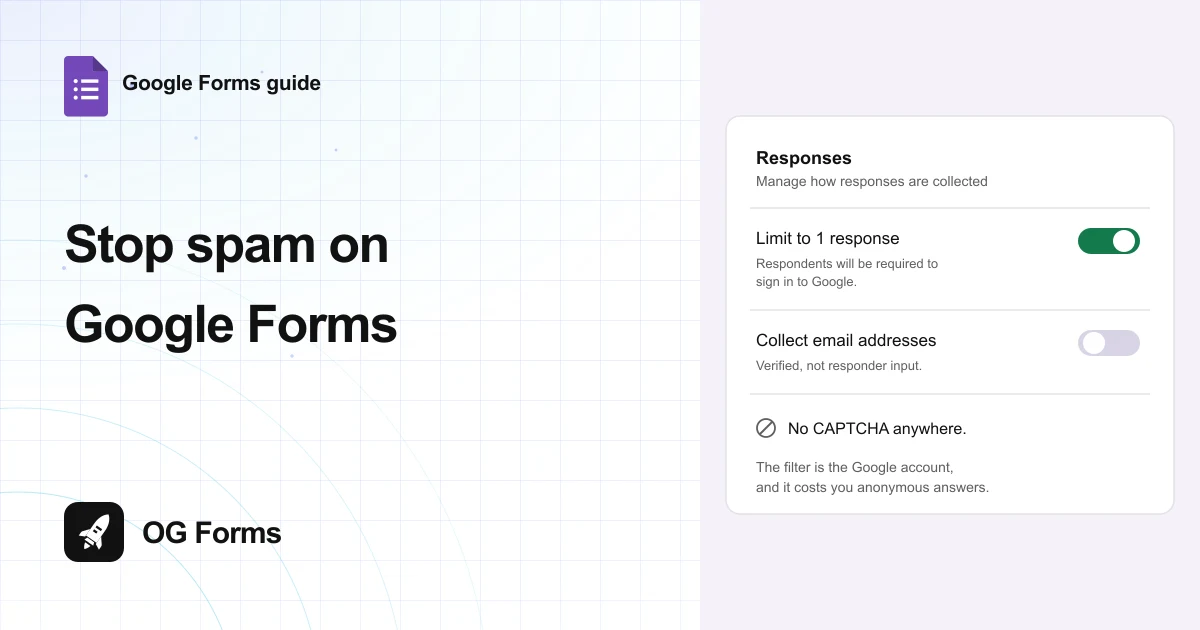
How to stop spam on Google Forms
Learn how to stop spam on Google Forms with the two switches it actually has, and the Google sign-in both of them add. Tested in 2026.
· 6 min read
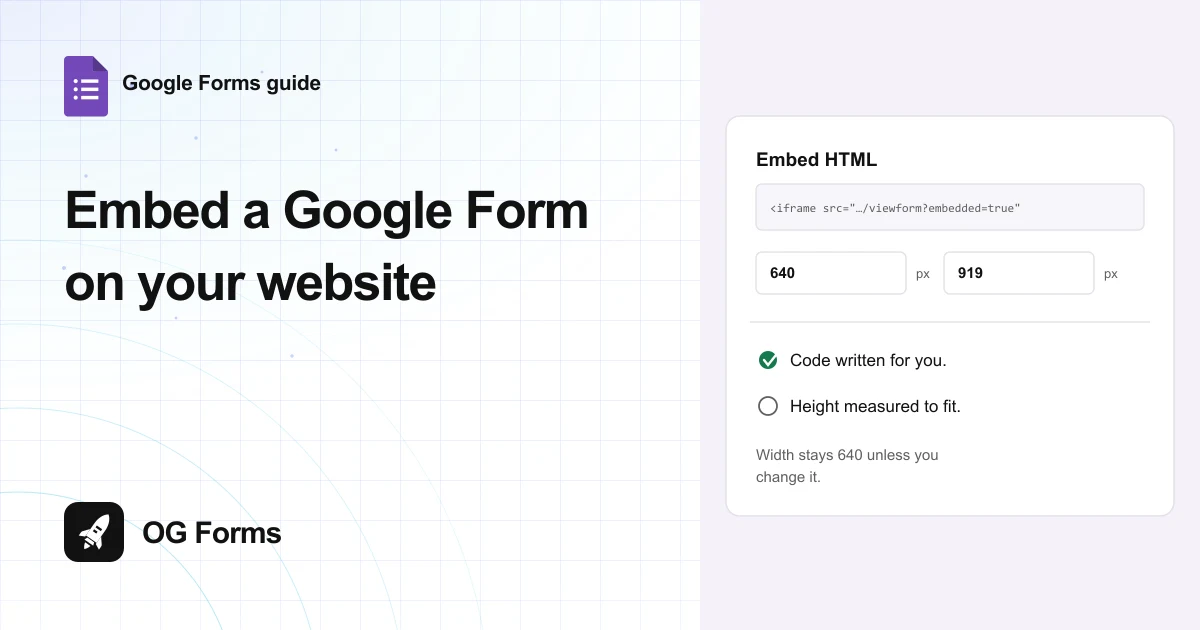
How to embed a Google Form on a website
Learn how to embed a Google Form on a website with the code Google writes for you, and fix the width so it fits a phone. Tested in 2026.
· 6 min read
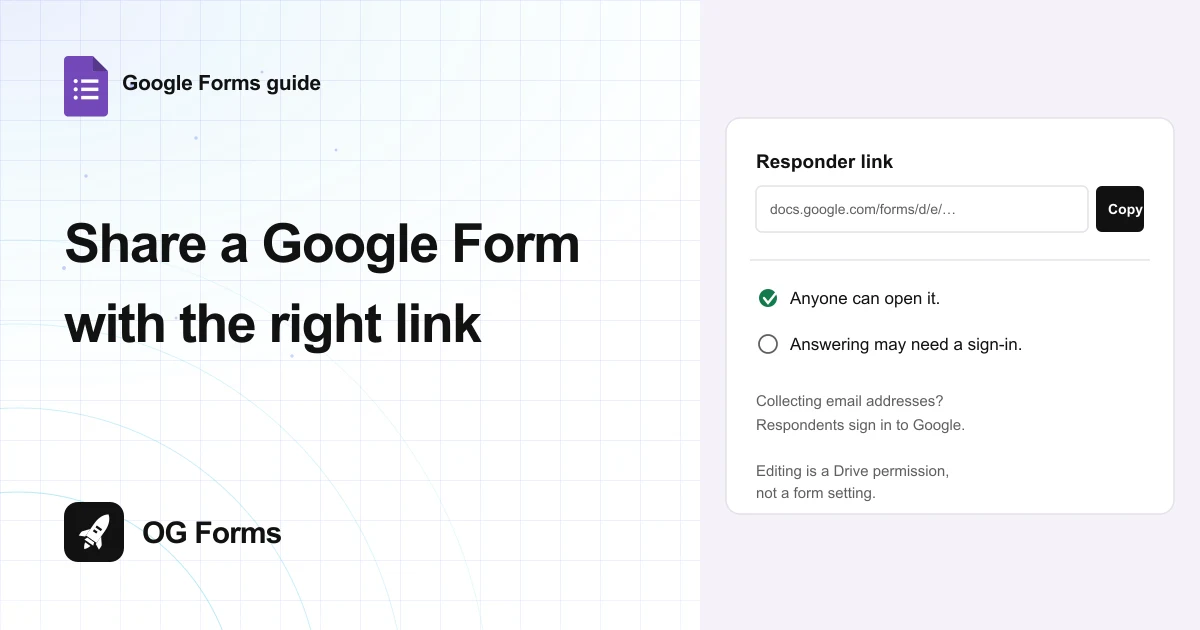
How to share a Google Form
Learn how to share a Google Form with the right link, and why respondents hit a Google sign-in wall. Tested in 2026.
· 6 min read