
Create a form
Start a form by describing it, opening a template, building it yourself, or importing a Google Form.
Updated
Press New form in the sidebar of the dashboard. Every path below starts on that screen and ends in the builder, on a real form in your workspace.
Build a form from a description
Type one sentence about the job the form does, and the AI writes the questions, the field types and the pages.
- Click Form, Survey or Quiz above the box. The tab decides what the AI writes: a quiz arrives with answer keys, a survey arrives with rating scales.
- Type what the form is for. Say who answers it and what you need back from them.
- Click Build and the finished form opens in the builder.
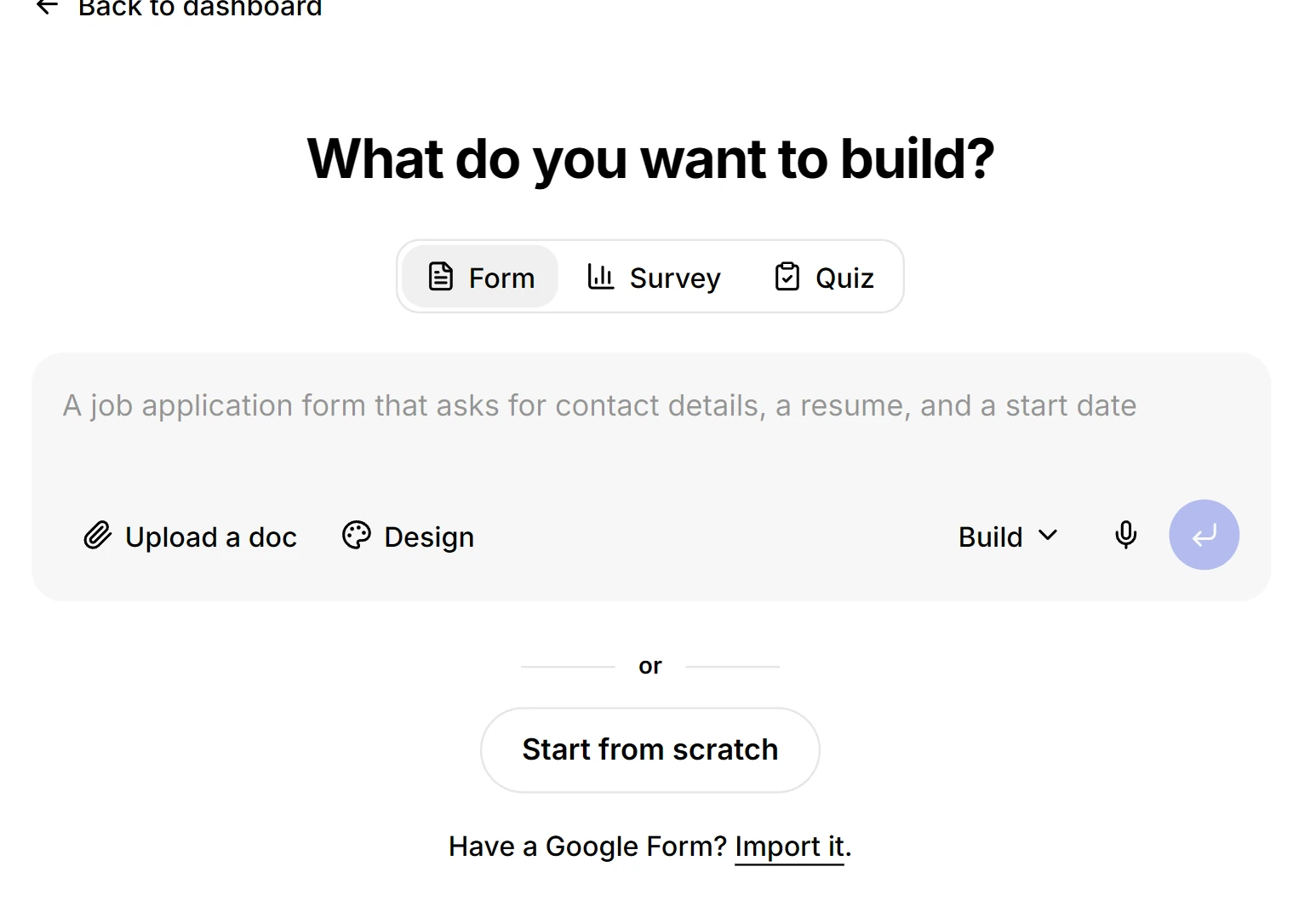
A purpose reads better than a list of field names. "A job application that asks for contact details, a resume and a start date" comes back as a finished form rather than a blank page.
Start from a template
Open a template when one of the common jobs is close enough to edit. The questions and the theme arrive already set.
- Scroll to Start from a template on the New form screen.
- Click a card. The form is created at once and opens in the builder.
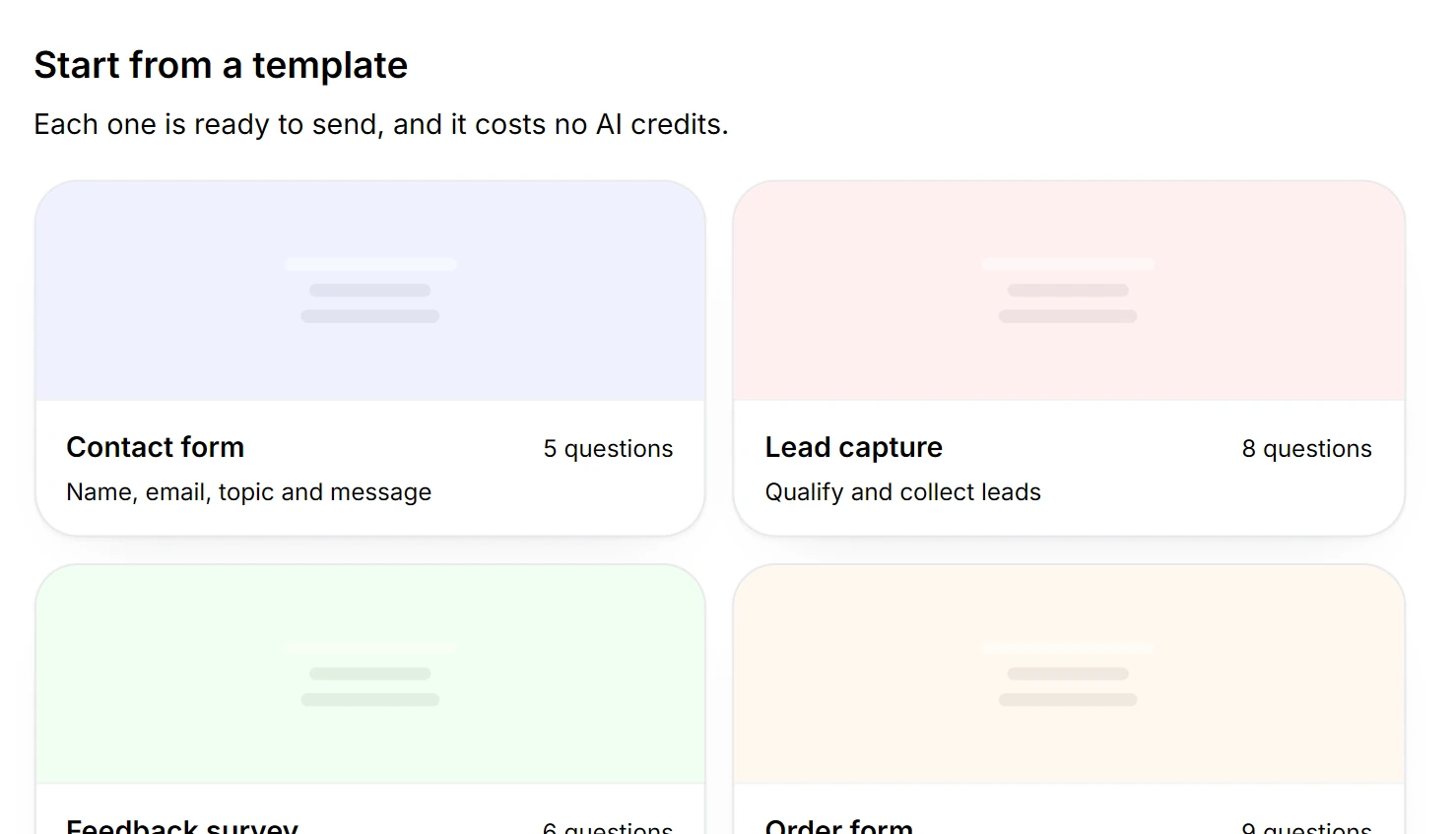
Ten templates cover the everyday jobs, from a contact form to a quiz and an order form. A template costs no credits, which makes it the cheapest way to start when one fits.
Build a form from scratch
Choose this path when you know exactly what to ask, and the order to ask it in.
- Click Start from scratch under the prompt box.
- Click Add field where the next question should go.
- Pick a question type from the picker, then give it a label.
Question types lists every block the picker holds. Question settings covers what each one can check, which is how a form stops collecting answers you have to chase afterwards.
Import a Google Form
Bring a form across from Google and keep the questions you already wrote.
- Click Import it under the prompt box.
- Paste the Google Forms share link.
- Check the questions that come back with a warning, then open the builder.
- Questions, options, required flags and pages come across. A Google section becomes a page, so a long form arrives in the shape it had.
- Anything the importer cannot map is reported as a warning next to that question. Nothing is dropped silently, which is what usually goes wrong when a form is rebuilt by hand.
- Skip logic is not imported. Rebuild the branching on the rule list: conditional logic.
- Import is free on every plan.
Design the form to match your brand
Open Design in the builder to set the fonts, the colours and the logo for the whole form.
- Paste your website into Match your brand and the form takes that site’s colours.
- Pick a preset theme when you want a finished look in one click.
- Override the theme for a single question in question settings.
Choose what happens after someone answers
A built form collects answers. These guides cover what you can do with them.
- Show or skip questions with conditional logic.
- Score the answers with quiz scoring.
- Publish the link and embed it with share a form.
- Read and export the answers in responses.