

Webhook deliveries
A webhook posts each answer to a URL you own. Every delivery keeps a log, so a failure is a row you can read.
Updated
The other app gives you an address. OG Forms posts signed JSON to it as answers arrive, and records what came back.
Add a webhook to a form
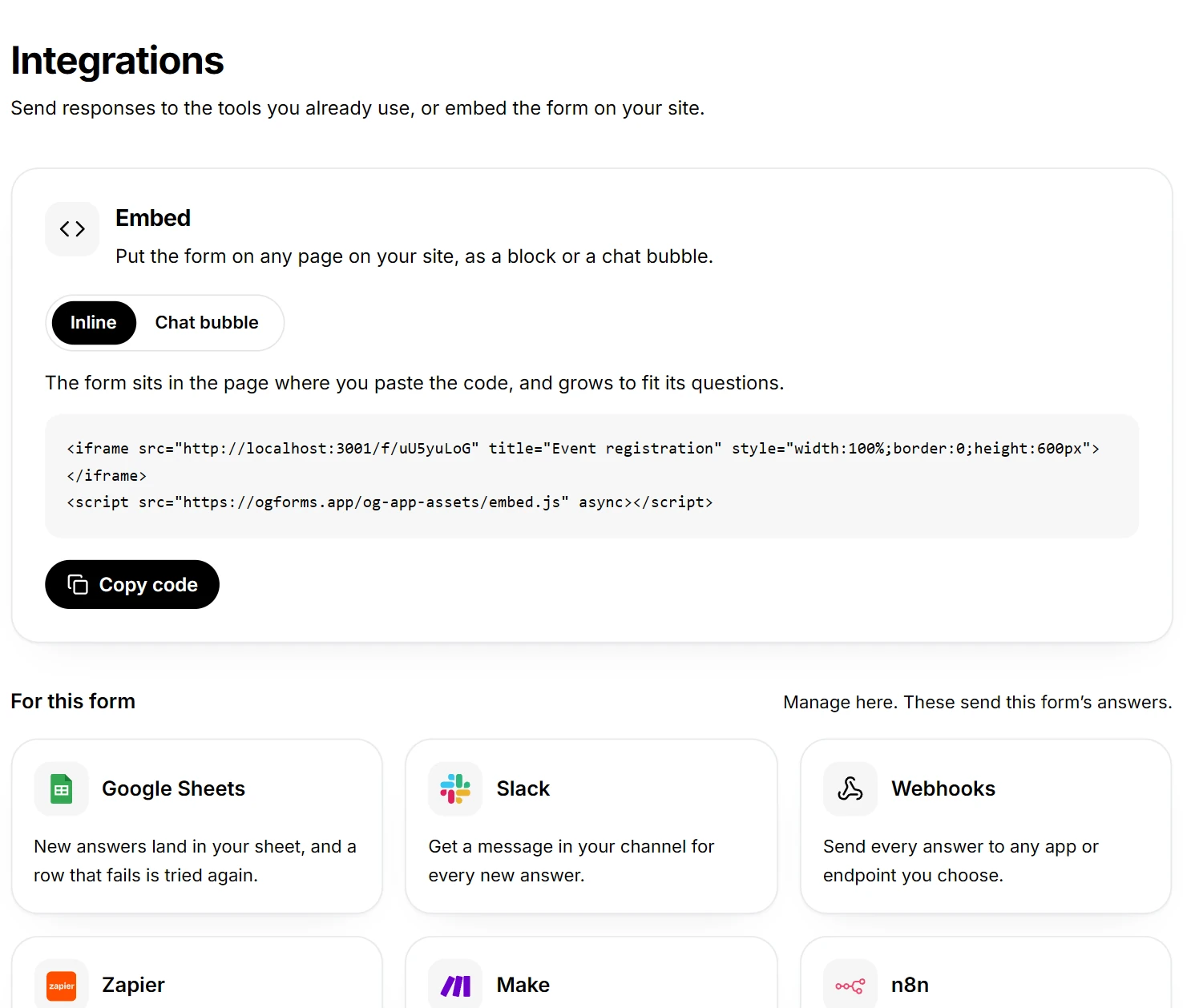
- Open the form, then Integrate, then the Webhooks card.
- Paste the address into Send to. In Zapier use Catch Hook, in Make a Custom webhook, in n8n a Webhook node.
- Leave Send when on New response, or add Form published.
- Click Send test to check the address before anyone answers.
Read the delivery log
- Click Deliveries on the webhook.
- Read the last 20 sends, newest first. Each row shows the event, the outcome and how long ago it ran.
- Click a row to open it.
An open delivery shows Reply, what the endpoint sent back, and Sent, the exact JSON body. Those two end most arguments about whose fault a delivery was, without either side adding logging to find out. The payload and the signature are described in the webhooks documentation.
Match the status word to the cause
| Status | What it means | What to do next |
|---|---|---|
| Delivered | Your endpoint replied with a 2xx and the status code it sent. | Nothing. Read the reply if you want to confirm what it stored. |
| Failed | The endpoint did not answer 2xx, and the row shows the code and the number of attempts. | Fix the endpoint, then send it again from the row. |
| Retrying | A later attempt is scheduled, and the row shows when it is due. | Wait, or fix the cause before the next attempt. |
| Sending | One attempt is in flight right now. | Wait a few seconds and reload the log. |
Work down the log rather than starting over. A 404 means the address moved, a 401 or 403 means the receiver rejected the request, and a 5xx means the receiver failed and probably knows.
Send a delivery again
- Open the finished delivery in the log.
- Click Send again.
- Watch for the new attempt as its own row.
This is the difference between a failed delivery and lost work: the row is still there, with its payload, after the incident. Send test retries the current configuration, and Resume turns a paused webhook back on. For email instead of a webhook, see email notifications.
Read the webhook state
- Active: the last attempt worked.
- Failing: recent attempts did not, and the log says why.
- Paused: switched off but kept, so nothing is lost.
- Off: disabled.
Retries and the nine hour window are covered in the webhooks documentation.