
Responses
Every form has one page for its answers: a summary, the answers themselves, an AI read of them, and a trash.
Updated
Open Results on a form card, or Responses in its menu. Four tabs share the same answers, and the buttons above them act on all of them.
Read the summary and the tabs
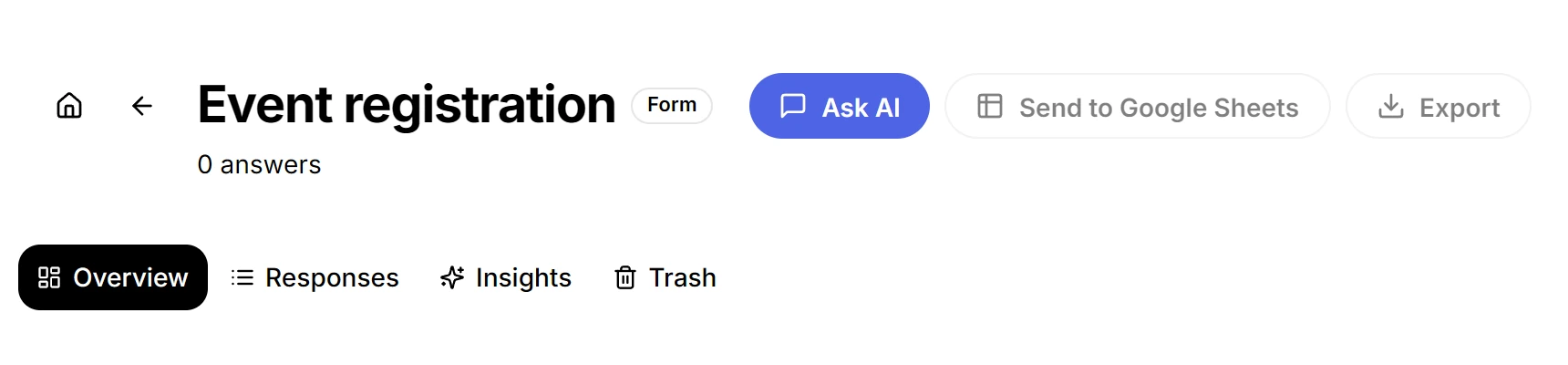
| Tab | What it holds |
|---|---|
| Overview | The summary: views, starts, completion, and where people stopped. |
| Responses | The table of submissions, one row per person. |
| Insights | The AI read of the answers. |
| Trash | The answers you deleted, for seven days. |
Read Overview first on a form nobody has answered yet. It tells you whether people opened the form and stopped, which is a different problem from a form nobody opened.
Read one answer in full
Click a row to see that person’s answers against their questions, one under the other, so a single reply reads without cross-referencing column headers.
- Filtering and changing columns change what the table shows, never what is stored.
- Nothing on this page edits an answer.
- A quiz adds score distribution and question difficulty here: quiz scoring.
Export exactly the rows you filtered
Export takes the rows currently shown, not the whole table. Filter first and the file matches what you filtered, which is how a report ends up with the twelve rows you meant instead of all four hundred.
- Filter the table until it shows the rows you want.
- Click Export above the tabs.
- Pick CSV file, XLSX file or JSON file.
- CSV and XLSX open in a spreadsheet.
- JSON keeps the structure, for code.
- The button is disabled when the filter matches nothing, because an empty file is never what anyone wanted.
Restore a deleted answer
- Select rows and move them to trash to take them out of the table without deleting them.
- They wait in Trash for seven days, then they are gone.
- Restore puts them back in the table with their place in the data intact.
Ask the answers a question
Insights runs AI over this form’s responses and answers in prose. Add an instruction to steer it, such as the group you care about.
- When the read describes a group of answers, it can hand you a filter for exactly those rows.
- The claim and the table it came from stay one click apart, so a number in a report can be checked before anyone repeats it.
To send each answer somewhere as it arrives, see email notifications and webhook deliveries.